Different Art Brushes: Messy, Inky & Textured Adobe Illustrator Brushes
There's a certain energy that comes from hand-drawn marks—the slight wobble of a line, the uneven ink bleed, the gritty texture of charcoal on paper. In our digitally polished world, these organic imperfections have become a powerful tool for creating authentic, engaging design. This is precisely the character captured in the collection of Different Art Brushes. These are not your standard, clean vector strokes. They are messy, inky, rough, textured, and intentionally glitchy, designed to bring a raw, human touch to your Adobe Illustrator projects. For designers, entrepreneurs, and creators looking to break free from sterile perfection, this set of exclusive brushes offers a direct path to more expressive and memorable work.
The Personality of Imperfection: What These Brushes Bring to Your Work
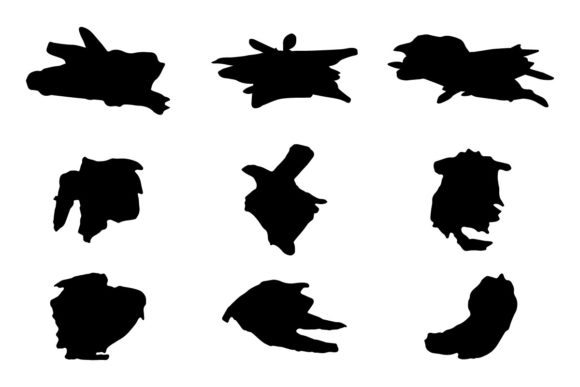
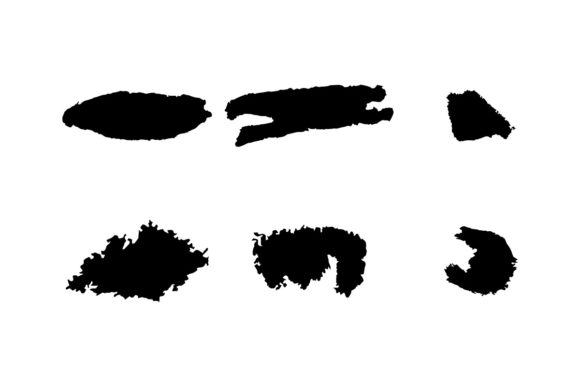
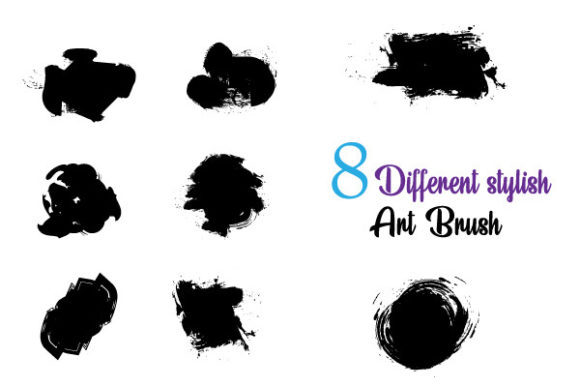
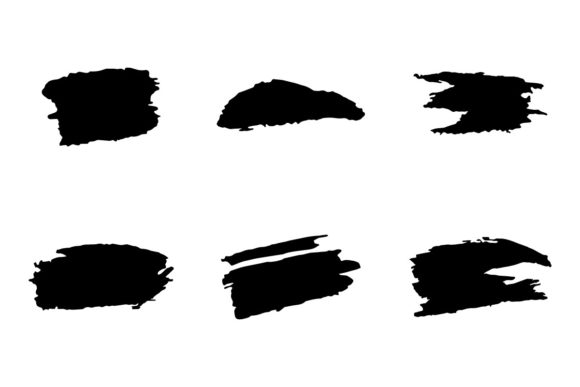
Each brush in this collection tells a story of its medium. You'll find strokes that mimic the erratic drip of a fountain pen, the gritty drag of a dry ink brush, the fuzzy edge of a marker, and the digital artifacts of a glitch effect. This isn't about achieving a single "look," but rather about having a versatile toolkit of textures and personalities at your fingertips. The visual appeal lies in their inconsistency. A single line created with one of these brushes has more depth and interest than a hundred perfectly uniform paths. It's this quality that makes them ideal for projects where you want to evoke emotion, craftsmanship, or a sense of the handmade.
Think about how this translates to real-world applications. A brand identity built around artisanal goods—like a craft brewery, a small-batch coffee roaster, or a handmade soap company—can use these textured strokes in its logo design and packaging to instantly communicate authenticity. The rough edges and ink splatters feel genuine, connecting the visual brand to the product's story. In editorial design, these brushes can create dynamic pull quotes, chapter headings, or illustrative elements that break the monotony of body text, guiding the reader's eye and adding visual rhythm to a magazine spread or book cover.
Practical Applications: From Digital Campaigns to Printed Materials
The true value of any design asset is its adaptability. Different Art Brushes excel here, thanks to their editable nature within Adobe Illustrator. Because they are vector-based, you can scale them infinitely without losing quality, change their color with a single click, and combine them to create complex, layered compositions. This makes them a powerful component of a cohesive brand identity system.
For digital and web design, they add a layer of sophistication and personality that standard fonts and icons can't match. Imagine using a textured brush stroke as an underline for a call-to-action button, a decorative divider between sections on a homepage, or the basis for custom social media icons. In social media graphics, where grabbing attention is paramount, a messy, glitchy frame around a quote or a rough-hewn banner for a sale announcement can stop the scroll far more effectively than a clean, geometric shape.
In print, the applications are just as compelling. Use them for packaging design to create labels that feel tactile and premium. Apply them in editorial design for magazine headers that demand attention. For entrepreneurs creating marketing materials, these brushes can help produce flyers, business cards, and posters that look unique and professionally crafted, setting you apart from competitors using overused templates. The key is that they provide a shortcut to a high-end, custom aesthetic.
Integrating These Brushes Into Your Creative Process
Adopting a new set of tools into your workflow is about more than just installation; it's about understanding their strengths. Before you dive in, consider the personality of your project. Is it playful and energetic? A glitchy, colorful brush might be perfect. Is it serious and sophisticated? A subtle, inky dry-brush texture could add the right amount of gravitas. The versatility of this collection means you need to be a curator, selecting the right brush for the right mood.
A practical next step is to experiment with font pairing. These brushes work beautifully alongside clean, modern typefaces. Try pairing a bold, textured brushstroke heading with a simple sans serif font for body copy. The contrast creates a clear visual hierarchy and lets the artistic elements shine without sacrificing readability. For a more classic feel, a rough, hand-drawn line can complement a traditional serif font, blending modern texture with timeless elegance. The goal is balance—let the brushes add character without overwhelming the message.
Finally, remember that the included SVG and EPS files offer flexibility beyond Illustrator. You can import these brushes into other vector-friendly software or even use the textures in raster-based programs like Photoshop for added depth. This makes the collection a truly multi-purpose creative font alternative—a library of marks that can be adapted, edited, and combined to suit virtually any project you can imagine. By embracing the beauty of imperfection, you equip yourself with tools that foster originality and help your work resonate on a more human level.